Find Polaris or Sigma Octantis
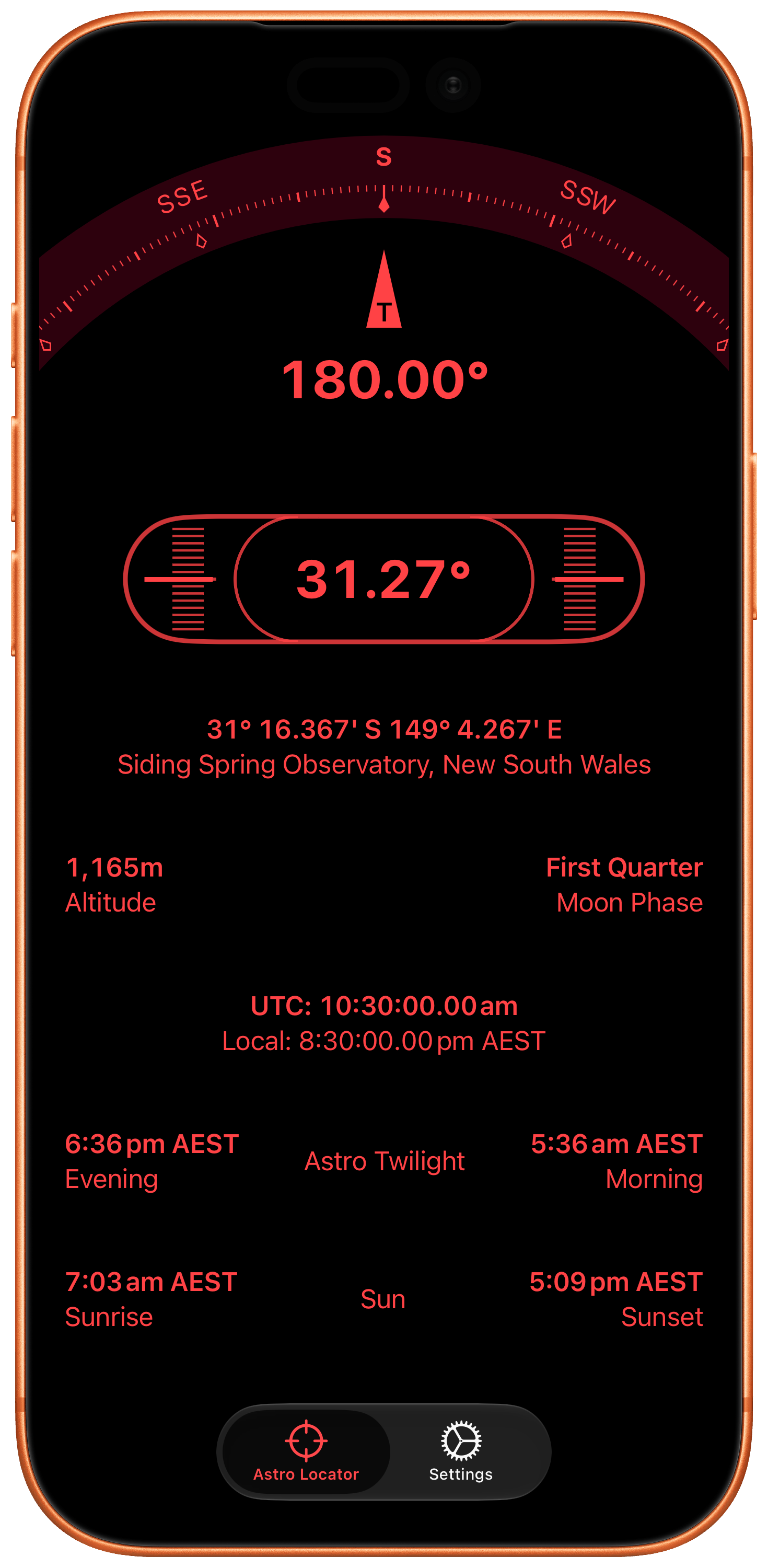
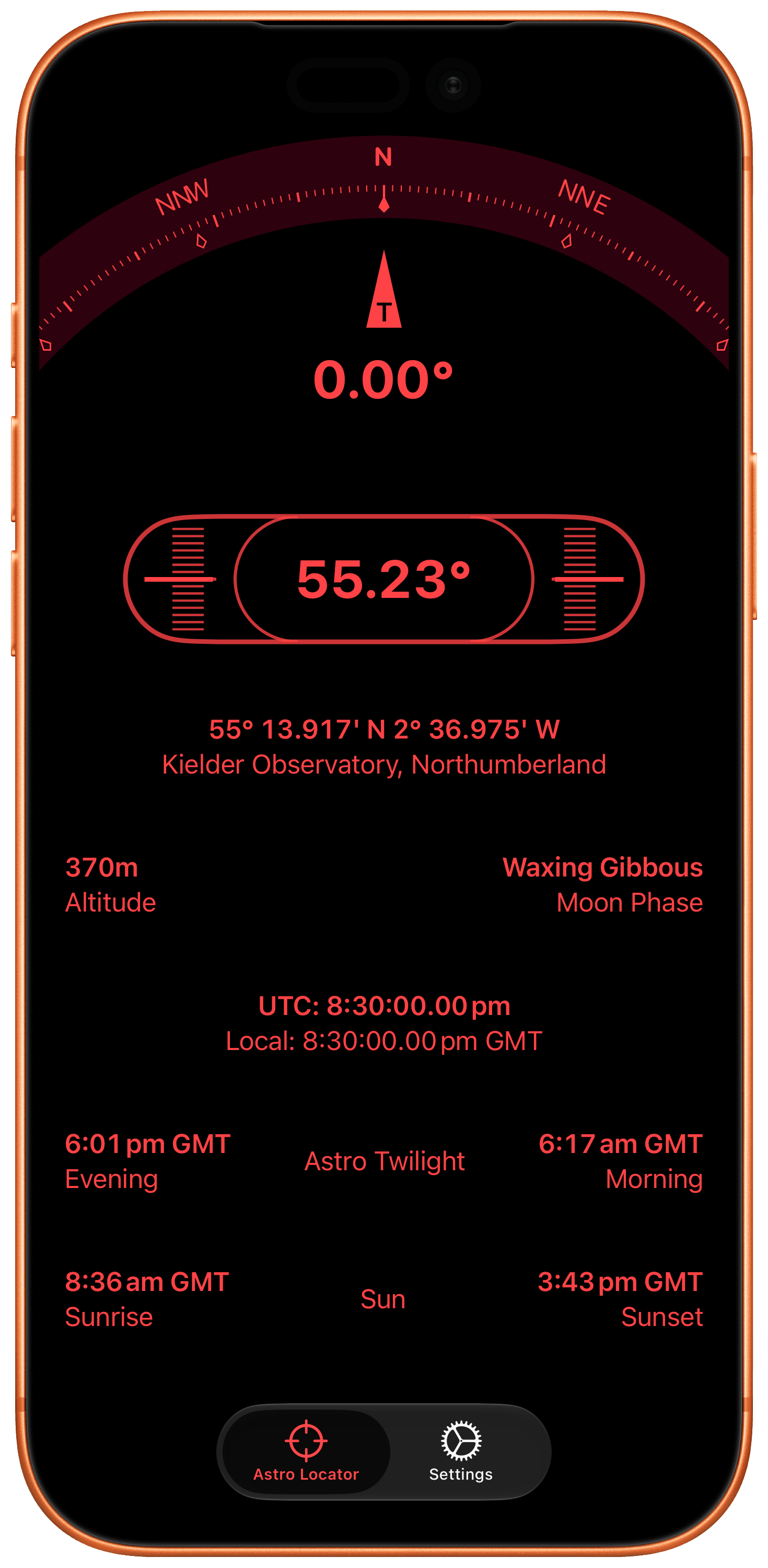
See the information needed to locate the pole star quickly and get your mount pointed in the right direction.
Astro Locator
Astro Locator is a polar alignment app for iPhone that helps astronomers find Polaris or Sigma Octantis, level an equatorial mount, and set elevation quickly.

Requires iOS 18.0+
Why It Exists
Astro Locator is designed for astronomers who set up and break down each session and want a fast, reliable way to get roughly polar aligned before fine adjustments for observing or astrophotography.
Core Features
See the information needed to locate the pole star quickly and get your mount pointed in the right direction.
Use the device sensors to level the mount, check heading, and match mount elevation to your latitude.
Check UTC and local time during setup so your mount alignment and imaging workflow stay consistent.
See sunrise, sunset, and astro twilight timings so you know when viewing and imaging become practical.
Both Hemispheres
Use Astro Locator whether you are aligning with Polaris in the northern hemisphere or Sigma Octantis in the southern hemisphere. The app is built to support both workflows clearly.
Reviews
Great app for new equatorial mode on Seestar S50. It lets you set up in twilight or daylight and then only need minor tweaks once it is dark.
This really makes setting up my scope quite simple.
FAQ
Polaris workflow:
Sigma Octantis workflow:
Astro Locator requires authorisation to access your location in order to function correctly.
Enable it in Settings > Privacy & Security > Location Services > Astro Locator > Allow Location Access “While using the App”.
Download
Available on the App Store for iPhone.

Requires iOS 18.0+